Academics
Attendance, marks, progress cards, and student profiles
Teachers record the school day on a phone. Parents see the same attendance and marks. The office keeps a detailed student profile without maintaining a second set of records.
Mobile attendance
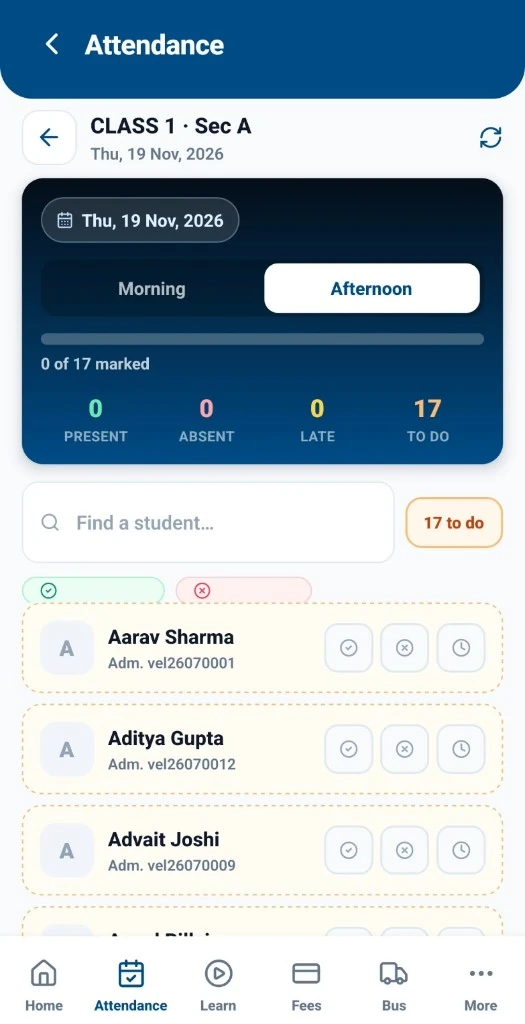
Teachers mark class attendance in the futureSchools mobile app. The record is stored against the student and class, ready for the office, the parent app, and later academic reports.
Parent alerts
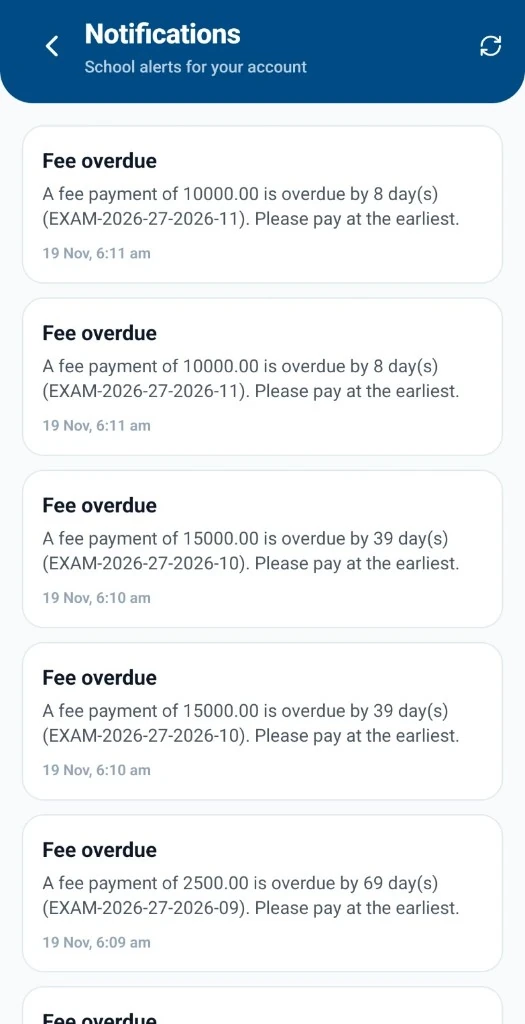
When attendance is marked, parents can receive an attendance alert in the app. The alert is an operational notice from the school, not a marketing message.
Marks entry
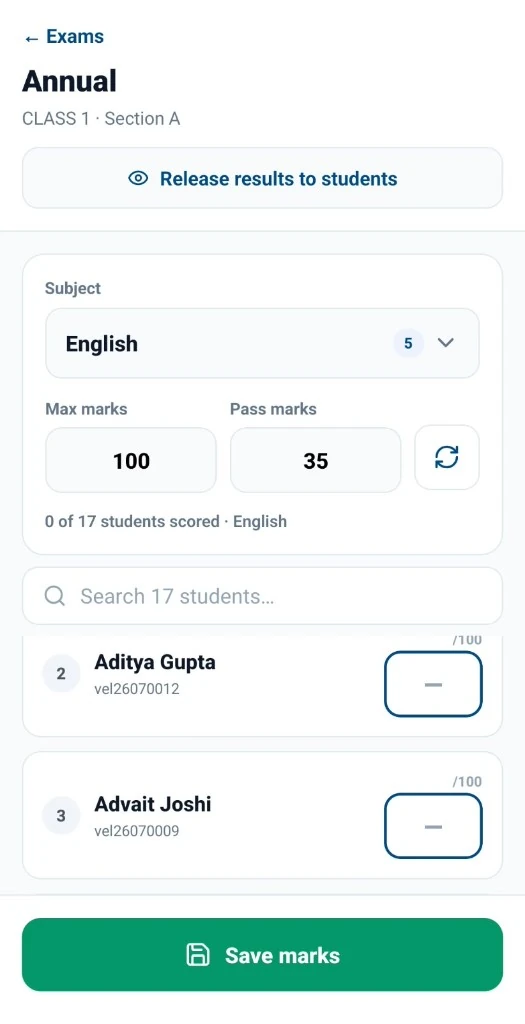
Teachers enter assessment marks on a phone. Marks stay with the student’s academic record so the school can publish results and generate progress cards from the same data.
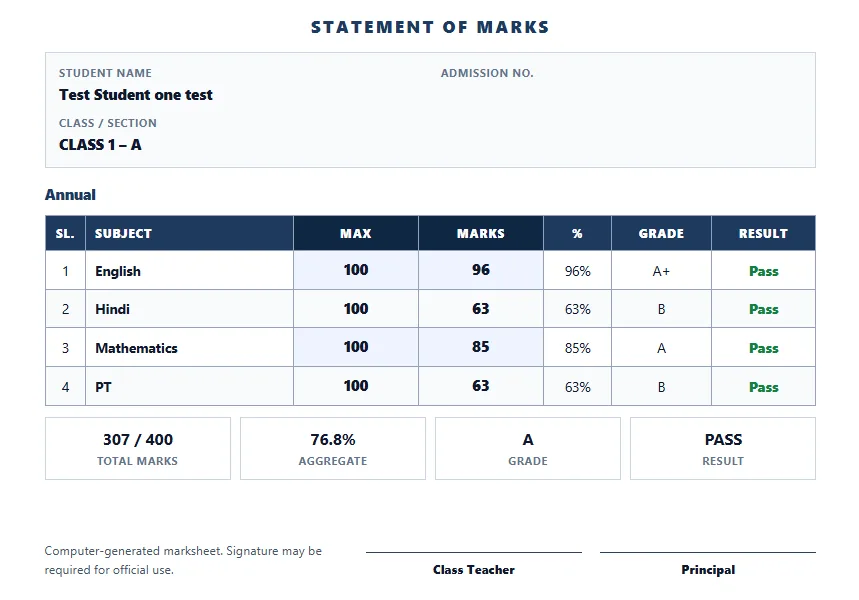
Automatic progress cards
Progress cards are generated from recorded assessments rather than assembled by hand. The sample shown uses fictional student details for demonstration.
Detailed student profiles
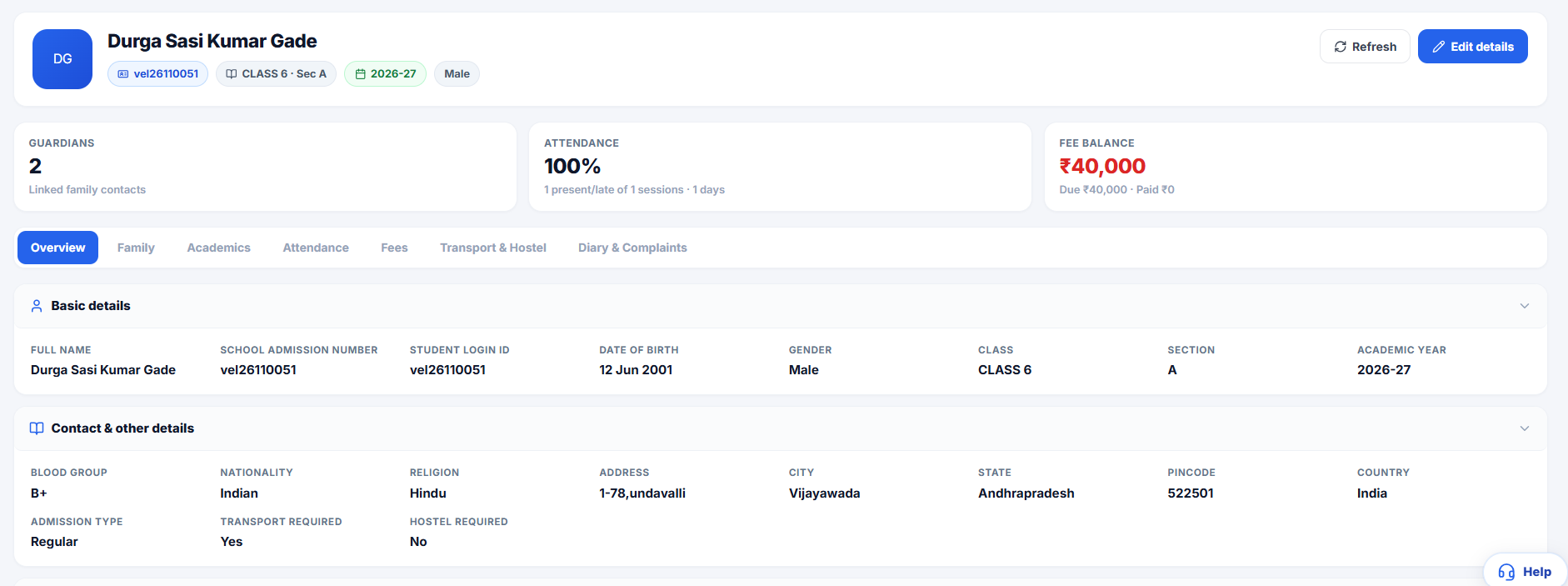
Administrators open a full student profile in the school dashboard: enrolment, attendance, academics, and related school records in one place.